
Airtime & data in seconds
MTN, Airtel, Glo and 9mobile. We detect the network from the number, and failed top-ups are refunded automatically.
Nigeria’s all-in-one bills wallet
Top up MTN, Airtel, Glo and 9mobile, and pay for DStv, GOtv and electricity, all from one wallet, in seconds.
Top up airtime, buy data bundles and pay your bills from one secure wallet.
MTN, Airtel, Glo and 9mobile. We detect the network from the number, and failed top-ups are refunded automatically.
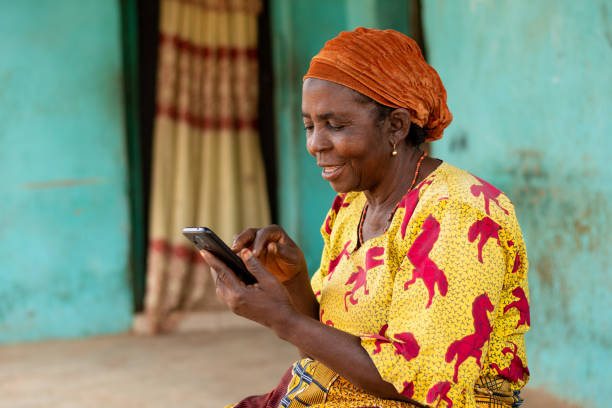
Clear prices before you pay, a PIN on every payment, and real people on support when you need help.
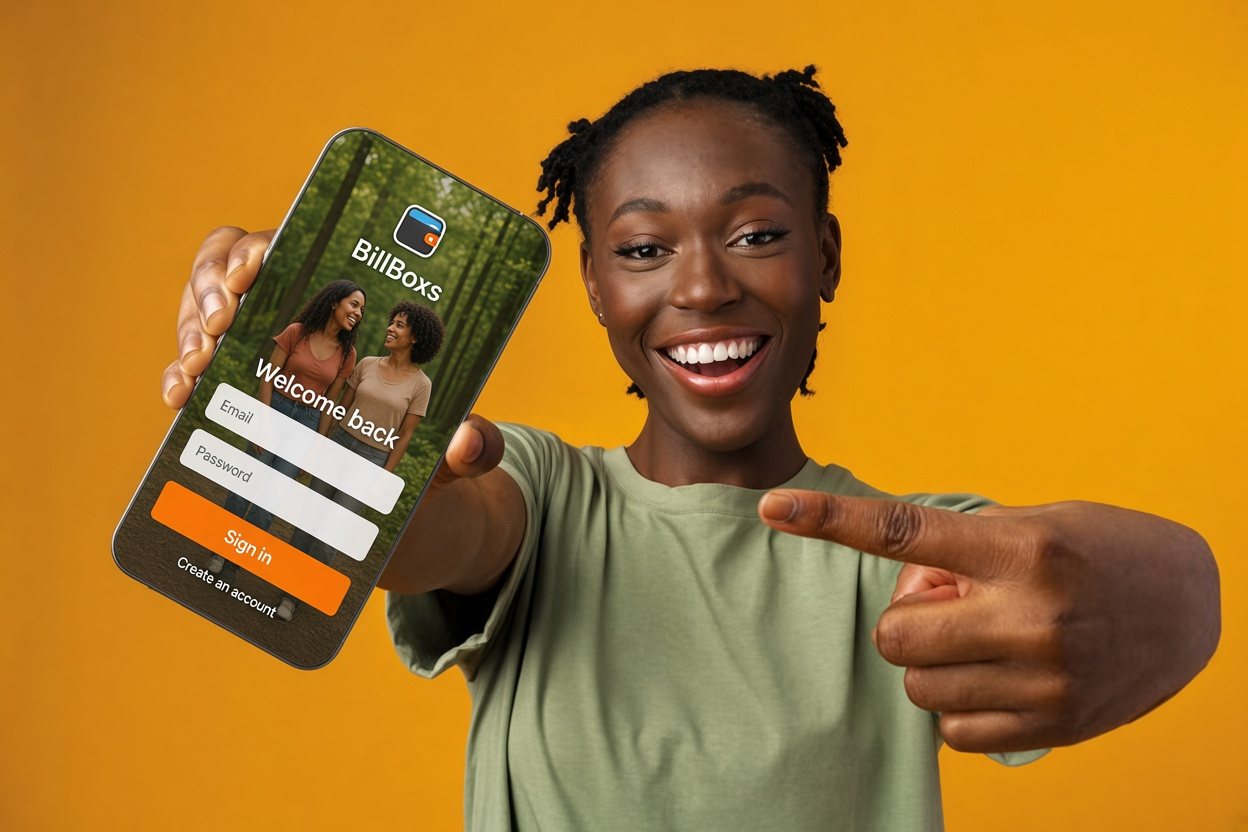
Add BillBoxs to your home screen and pay for DStv, GOtv and electricity from anywhere.
No download from an app store needed. BillBoxs installs straight from your browser and opens like any other app.
Open the app, tap the orange + button, choose an amount and pay on Paystack’s secure page by card, bank transfer or USSD. Your wallet is credited as soon as Paystack confirms the payment.
MTN, Airtel, Glo and 9mobile. BillBoxs detects the network from the phone number, and you can change it if the number was ported.
“Success” in History means it was delivered. “Processing” means the network is still confirming; your money is held, not lost. “Failed” means it didn’t go through and your money is already back in your wallet.
Payments are processed by Paystack, every purchase needs your 4-digit PIN, and your PIN locks after 5 wrong tries. We will never ask for your password or PIN by phone, email or chat.
Create your free BillBoxs account in under a minute.
Create a free account